Podcast to AI Agent context builder.
Clean noisy .srt, .vtt or raw podcast transcripts, cut wasted tokens, and package structured context & prompts for Claude, ChatGPT, Grok, Meta Muse, Hermes, OpenClaw or NotebookLM.
<podcast_context>
  <metadata>
  <show>Lex Fridman Podcast</show>
  <episode>Open-Weights Models, Evals & Context Engineering</episode>
  </metadata>
  <transcript>
[00:02] Lex Fridman: When you look at open-weights models today, how close are they really to frontier closed models in everyday engineering work?

[00:12] Guest: The gap on static benchmarks has shrunk dramatically over the last twelve months. Where teams still feel a difference is long-horizon tool use and reliability across messy multi-step tasks. If you run strong evals on your own domain data, a smaller fine-tuned open model often beats a giant general model at a tenth of the latency.

[00:30] Lex Fridman: So the real moat shifts from raw model weights to evaluation harnesses and clean context?

[00:35] Guest: Exactly. Garbage context in gives you fluent nonsense out. Curating the right 8,000 tokens beats dumping 100,000 noisy tokens every single time.
  </transcript>
</podcast_context>

<instructions>
Analyze this podcast transcript. Provide: (1) a 3-sentence executive summary, (2) the 5 sharpest non-obvious takeaways, (3) key disagreements or open questions, and (4) notable mental models or frameworks mentioned.
</instructions>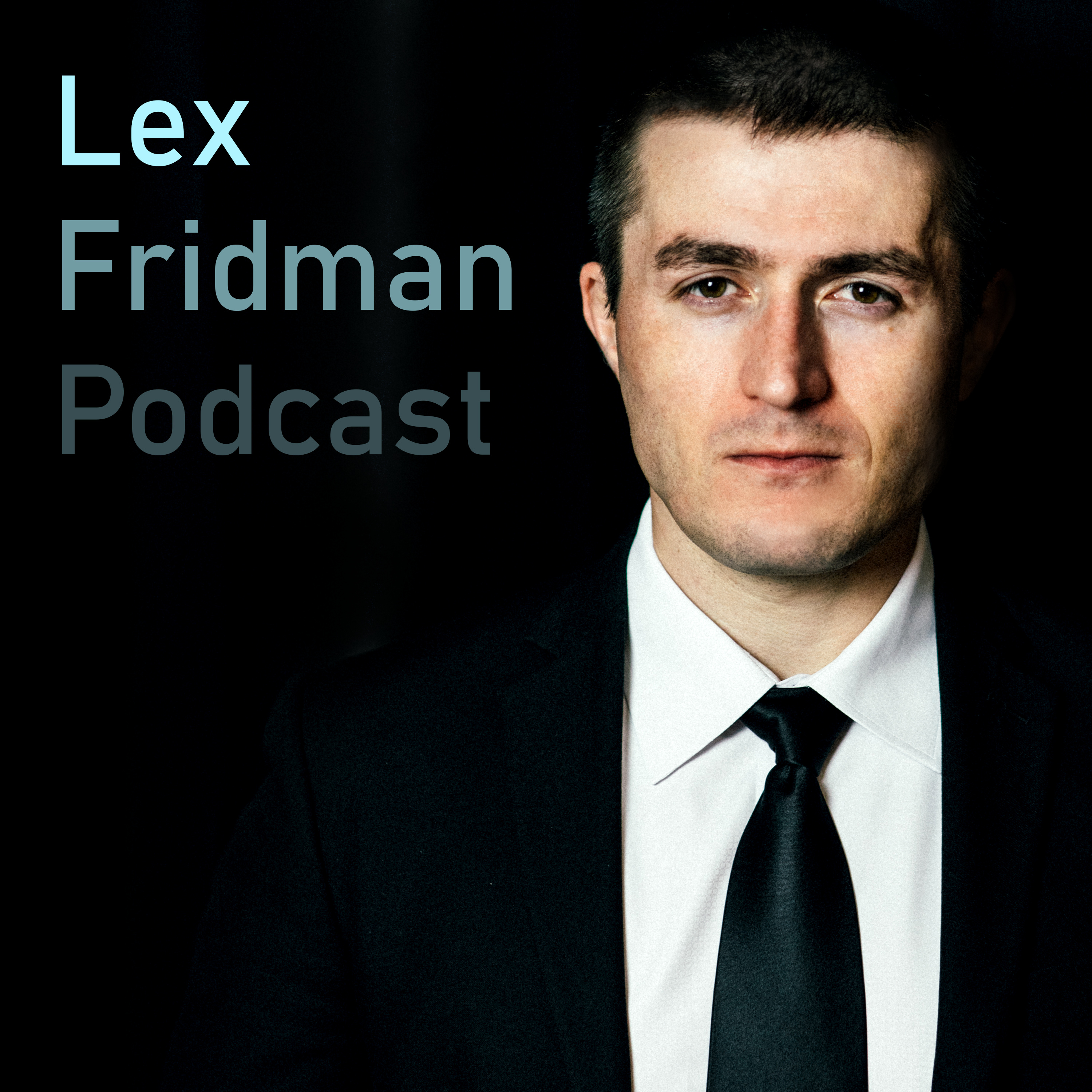
Skip copy-paste — connect Podwise AI Agent
Connect Claude, ChatGPT, OpenClaw, Hermes or Cursor to 160,000+ processed podcast transcripts via Podwise MCP & Skills.
How it works
Turn raw subtitle dumps into sharp, token-efficient context for any AI bot or agent in seconds.
- 1
Drop .srt, .vtt or paste text
Drag in any subtitle file or paste raw transcript text. Sequence numbers, millisecond ranges, HTML tags and fragmented line breaks are stripped locally.
- 2
Pick your AI bot & prompt template
Switch between Claude XML, ChatGPT / Grok Markdown, NotebookLM source documents or YAML-fronted AI Agent Markdown for OpenClaw, Hermes, Cursor and Codex.
- 3
Copy clean context or connect MCP
Copy the token-trimmed prompt in one click, download a clean .md file for Meta Muse or NotebookLM, or plug in Podwise MCP & Skills to skip manual files.
Built for every AI agent & bot
Each target formats metadata, speaker turns and instructions the way your assistant reads best.
Claude & Claude Code
<xml>Wraps metadata, transcript and task instructions in clean <podcast_context> XML tags — Anthropic's recommended structure for long-context grounding.
ChatGPT & Grok
MarkdownPlaces your prompt up front followed by clean speaker paragraphs and [mm:ss] markers — great for ChatGPT Deep Research or asking Grok to cross-check claims and X threads.
Meta Muse & Personal AI Bots
Clean contextRemoves raw subtitle timestamps and filler noise so personal AI assistants like Meta Muse and Gemini digest long episodes cleanly for daily briefings and Q&A.
Hermes, OpenClaw & Coding Agents
YAML + MDOutputs clean Markdown with YAML frontmatter ready for Hermes, OpenClaw, Cursor or Codex workspaces — or install the Podwise skill directly with clawhub install podwise.
NotebookLM Sources
.md fileProduces a clean, prompt-free Markdown source document — hit Download .md and drop it straight into your NotebookLM notebook.
Podwise AI Agent & MCP (Zero Copy-Paste)
ProConnect Podwise once via Plugin, Hosted MCP or CLI so your agent can search shows, pull transcripts and run catch-up or research workflows automatically.
More tools & AI workflows
Go further with Podwise's native AI agent integrations and free podcast tools.
Podwise for AI Agents (MCP & Skills)
Connect Claude, ChatGPT, OpenClaw, Cursor and CLI agents directly to your Podwise library.
Podcast Transcript Generator
Search 160,000+ episodes or paste a link to pull speaker-labelled transcripts with timestamps.
AI Podcast Summarizer
Read structured overviews, timestamped chapters, key takeaways and Q&A in minutes.
Podwise vs NotebookLM
See how Podwise's automatic podcast pipeline compares to uploading sources manually.
Podcast to AI Agent FAQ
Why clean an .srt or .vtt file before feeding it to an AI agent or bot?
Raw subtitle files contain sequence numbers, millisecond timestamp ranges (00:01:12,400 --> 00:01:15,200), duplicate breaks and filler words that often waste 30% to 50% of your token budget. Merging consecutive speaker lines gives models cleaner paragraphs and sharper recall.
Does this work with Grok, Meta Muse, Hermes, OpenClaw or Gemini?
Yes. Use ChatGPT / Grok for conversational AI bots like ChatGPT, Grok, Meta Muse and Gemini; choose AI Agent (MD) for YAML-fronted Markdown files tailored to Hermes, OpenClaw, Cursor and Codex; or pick Claude (XML) for Claude and Claude Code.
What happens if my podcast transcript is very long?
When a cleaned transcript exceeds ~8,000 tokens, the builder automatically splits it along paragraph boundaries into numbered Part 1 / Part 2 chunks so you can copy each piece cleanly without cutting a sentence in half.
Why does the Claude option wrap text in XML tags?
Anthropic recommends separating source documents from task instructions with XML tags like <podcast_context> and <instructions>. It helps Claude distinguish quotes inside the episode from your actual prompt.
Is my transcript uploaded to Podwise servers?
No. Parsing, filler removal, token counting, chunking and Markdown export all run locally in your browser. Nothing you paste or drop leaves your device.
How do I connect podcasts directly to my AI agent without manual transcripts?
Podwise Pro includes an official Plugin, Hosted MCP Server and CLI. Once connected, Claude, ChatGPT, OpenClaw, Hermes or Cursor can search your library, fetch summaries and read full transcripts on demand with zero copy-paste.


Connect podcasts to your AI agent.
Plug Podwise into Claude, ChatGPT, OpenClaw, Hermes or Cursor via MCP and Skills to query 160,000+ processed episodes with zero copy-paste.