How to Search and Read Full Podcast Transcripts, With Speakers and Timestamps
Find the exact sentence in a podcast, read the transcript with a speaker on every line and a timestamp on each one, and check any quote against the audio.
Guide8 min read
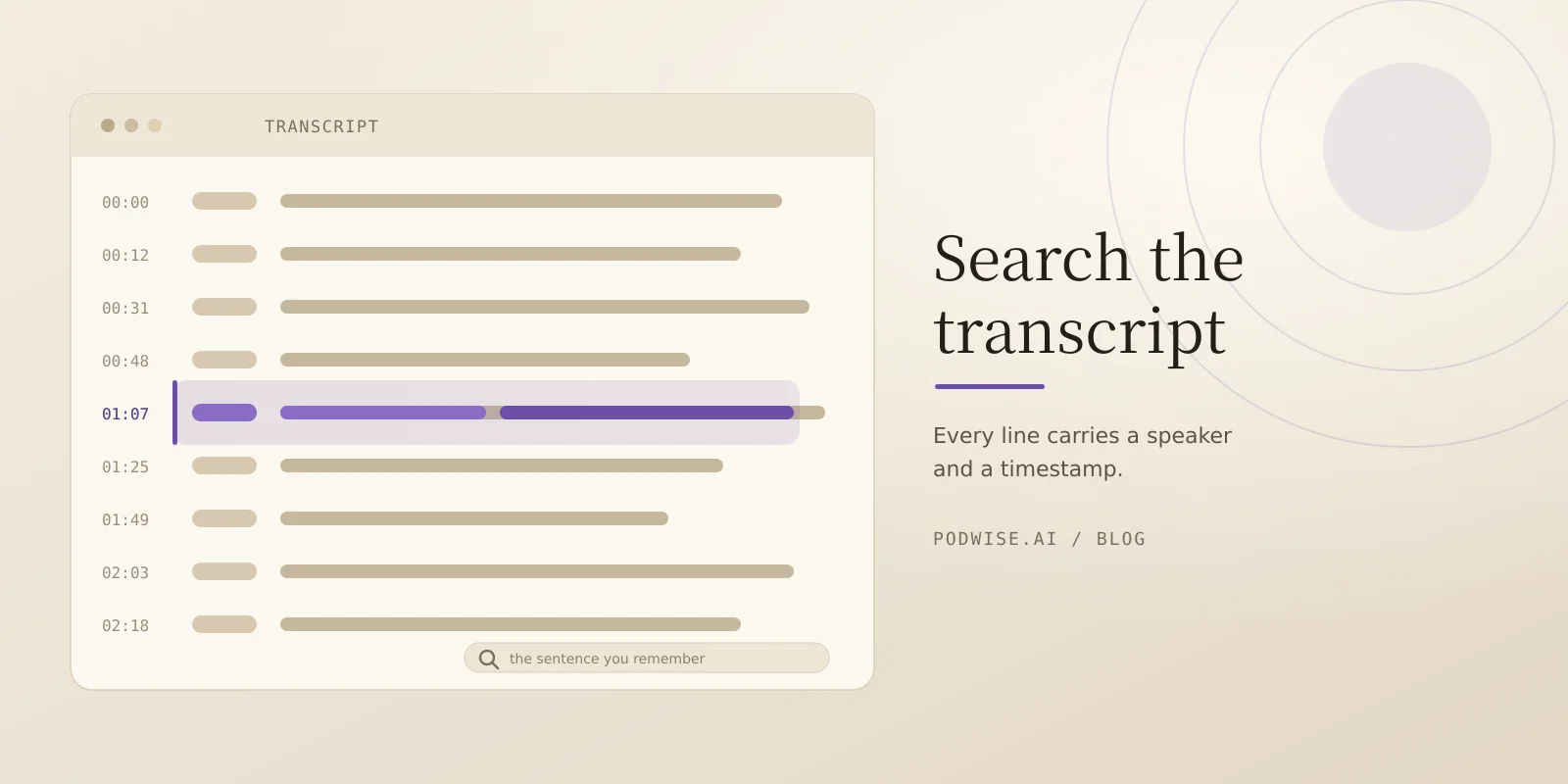
Finding a sentence someone said on a podcast should be a search problem, not a listening problem. Podwise builds the transcript from the audio with a speaker on every line and a timestamp on each one, so you can search it, read it, quote it, and check any line against the moment it was said.
More than 160,000 episodes have already been processed. Their public pages are open to anyone: a summary, chapters, key Q&A, and the opening of the transcript. The full transcript, the search box, and Ask live in the app.
What you can do
Search inside the episode you have open. The transcript is searchable line by line: type a word or phrase, matching lines light up in place, and every hit carries its timestamp so you can read it in context and click through to the audio. The site's own search box covers podcast and episode titles and summaries, not the text of transcripts.
Ask across the shows you follow. Ask answers from the transcripts of podcasts you follow, either one episode or the whole library, and names the episodes it used. It is 50 questions a day on Standard and unlimited on Pro. This is question answering over your library, not a keyword search of the open podcast web.
Read the whole text, not a summary. The transcript is the episode as text: segments with start and end timestamps and a speaker on every line. Summaries describe an episode; the transcript is what you quote. Highlights are cut from it, Clips are cut around it, and Ask and Chat answer from it.
Check any line against the audio. The timestamp on every line exists so you can verify. Open it, listen to the ten seconds around it, then fix the name and the number. Two voices on a clean call are usually labelled right. Panels and crosstalk are where labels slip, so treat the transcript as a draft and the audio as the record.
Keep what you found and reuse it. Copy the lines, save the moment as a Clip with audio and a note, export SRT for subtitles or Markdown for notes, or pull the transcript as JSON segments from the Open API. Transcripts read in 13 languages.
How it works, in three steps
1. Open an episode, or add one. Episodes that have already been processed open without using a credit, on the 7-day free trial and on any paid plan. Processing a new episode uses one AI processing credit, and an uploaded audio file costs credits by length.
2. Search, then read at the timestamp. Search finds the word or phrase inside the episode you have open, and the results light up where they sit in the text. Read the lines around the hit, then click to hear the moment before you use it.
3. Quote or export with the source attached. Copy the lines, export SRT or Markdown, or take the transcript from the Open API. When an episode goes in through the API you can pass speaker names and keywords, so unusual names come through. Whatever leaves Podwise still points back to the episode and the second it came from.
Evidence: a real transcript, not a mockup
The passage below is the opening of a real episode page, Forkable Shared Logs: Letting AI Agents Safely Operate on Live Data from the TigerBeetle podcast. It is quoted with speaker labels and timestamps intact:
[00:00:36] Ram Alagappan: So today I'm going to talk about letting agents safely operate on live streaming data. [00:00:41] Ram Alagappan: So before I begin, I would like to give credits to the people who did some of this work, [00:00:46] Ram Alagappan: especially my PhD student who led this project, Shreesha, [00:00:49] Ram Alagappan: who did most of the implementation and other students.
Two more public episode pages in the same format, with the opening of the transcript in the browser and the full text in the app:
- Why Wall Street Is Completely Wrong About the Next Fed Move, Bianco Research.
- The Anthropic S-1 Numbers Nobody Expected, Big Technology Podcast.
How this compares
Five things people mean by "transcript search". "Stated" means the vendor's own site says it on 2026-11-17. "Not stated" means the site does not say it, which is not the same as the feature being absent.
| Podwise | Tapesearch | Metacast | Snipd | |
|---|---|---|---|---|
| Search across shows | Search inside one episode in the app; cross-show answers come from Ask, not a keyword search | Stated: search thousands of public transcripts and jump to the timestamp | Search within the app; cross-show search not stated | Not stated |
| Read the full transcript | Stated: the whole episode as text, in the app | Stated: timestamped transcript download (TXT, SRT, VTT, JSON) | Stated: read along with the audio | Stated: full transcripts with speaker identification |
| Speaker labels and timestamps | Stated: a speaker and a timestamp on every line | Timestamps stated; speaker labels not stated | Not stated | Speaker identification stated; timestamps not stated |
| Ask questions across episodes | Stated: Ask across every podcast you follow, 50 a day on Standard | Stated: AI chat across podcasts | Not stated | Stated: chat with episodes you have listened to |
| Notes and export | Stated: Clips, SRT and Markdown export, transcript API, Notion and Readwise | Transcript download; alerts and API on paid plans | Stated: bookmarks, copy to notes, share | Stated: Notion, Readwise, Obsidian and Markdown sync |
Basis: each vendor's own site, read 2026-11-17. One difference the table cannot show: Tapesearch searches the text of the public podcast web, while Podwise searches the transcript of the episode you have open and answers across the shows you follow with Ask.
Frequently asked questions
Can I search inside podcast transcripts?
Yes, inside the episode you have open, in the app. Matching lines carry timestamps so you can read them in context and click through to the audio. It is not a search across every transcript in the catalog: the site's search box covers titles and summaries. A public episode page shows the opening of the transcript, and the transcript feature shows what the full view looks like.
Do the transcripts have speaker labels and timestamps?
Yes. The transcript is split into segments with start and end timestamps, and lines carry speaker names. The labels come from a model: trust them on a two-person interview, verify them on panels and crosstalk, and check the audio before you publish a quote with someone's name on it.
Can I search across multiple episodes and shows?
Not as a keyword search. Search covers the episode you have open. Ask answers questions across every podcast you follow and names the episodes it used, at 50 questions a day on Standard and unlimited on Pro. Neither is a keyword search of the open podcast web.
Is this good for research and citing audio?
Four things make a transcript citable: the exact sentence, who said it, the timestamp, and a way to check the audio. All four sit on the line. The method is short: open the timestamp, listen to the ten seconds around the quote, then correct names and numbers. Date every claim, keep the side that disagrees, and note what you could not find.
How many shows and episodes can I search?
More than 160,000 episodes have been processed, and their public pages carry a summary, chapters and the opening of the transcript. Full transcripts and search are in the app. Episodes that are already processed open without using a credit on the 7-day free trial and on paid plans; a new episode costs one AI processing credit.
Start from the transcript
Start a 7-day free trial to read a full transcript with speakers and timestamps, search inside it, and ask across the shows you follow. If you build with text, the docs cover the transcript, search and Ask endpoints, the CLI, and the MCP server, and the recipes page has a research walkthrough that searches several episodes and keeps the sources attached.